
Cyborg-Avatar-Virtual (Nov 2024)
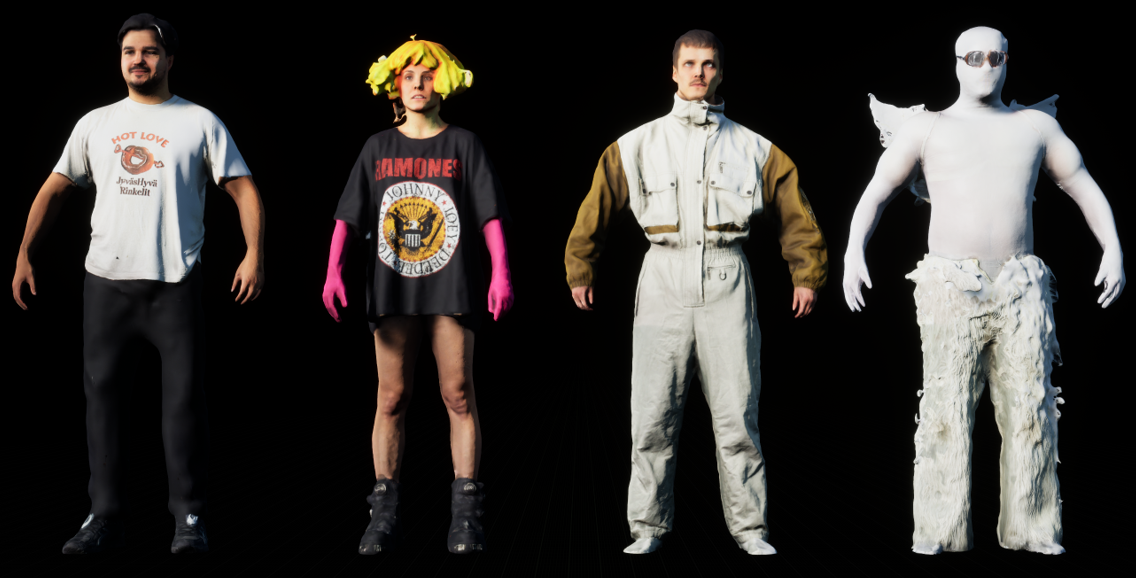
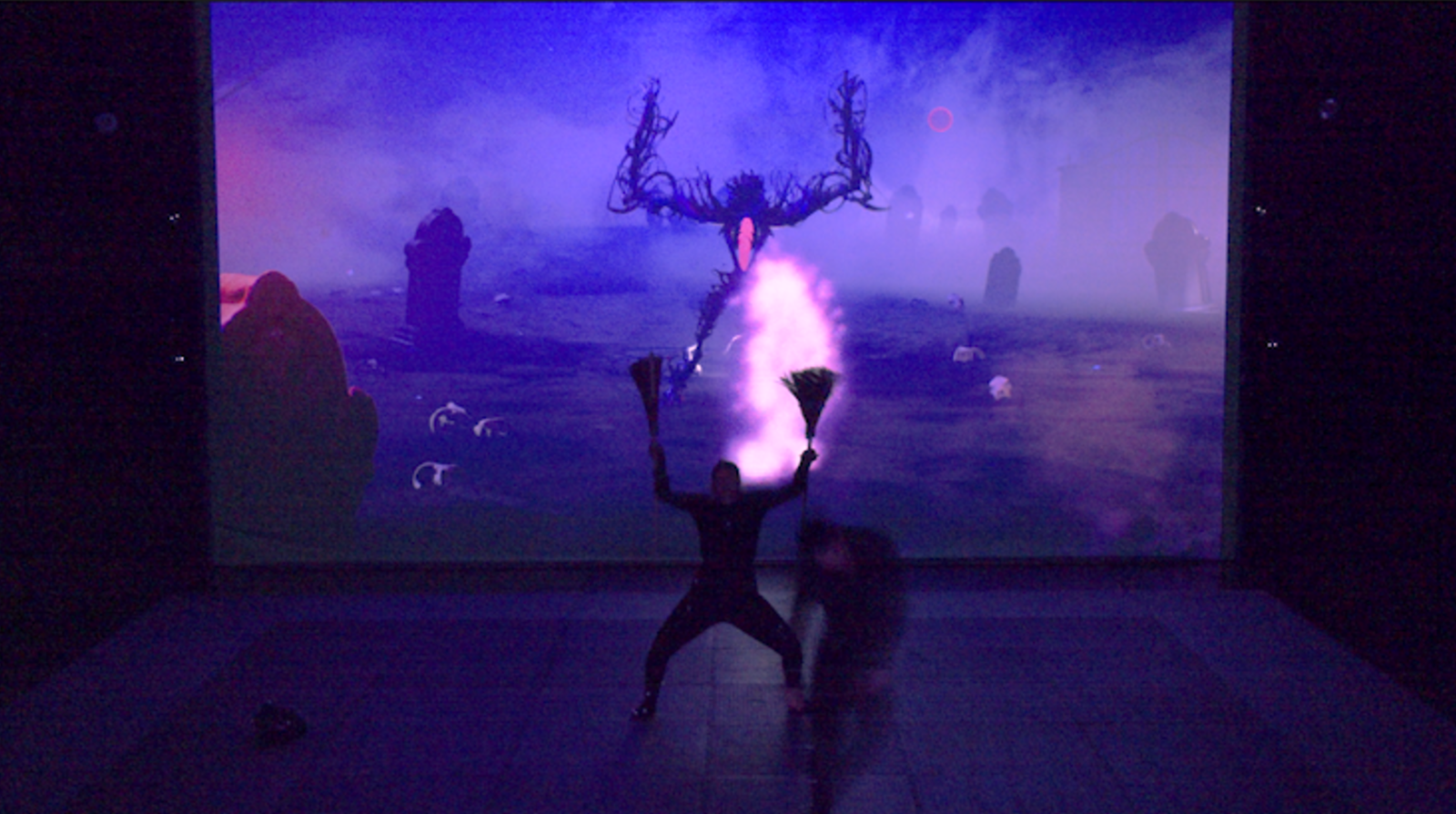
With this course acting students redefined their corporeality by developing spatial awareness in the physical stage and into different virtual worlds.
They also developed their skills to project emotions and feelings through virtual characters.
Acting students got to see how digital characters were created as well as the opportunity of working with animators and understood the technical constraints and possibilities of MoCap technology.
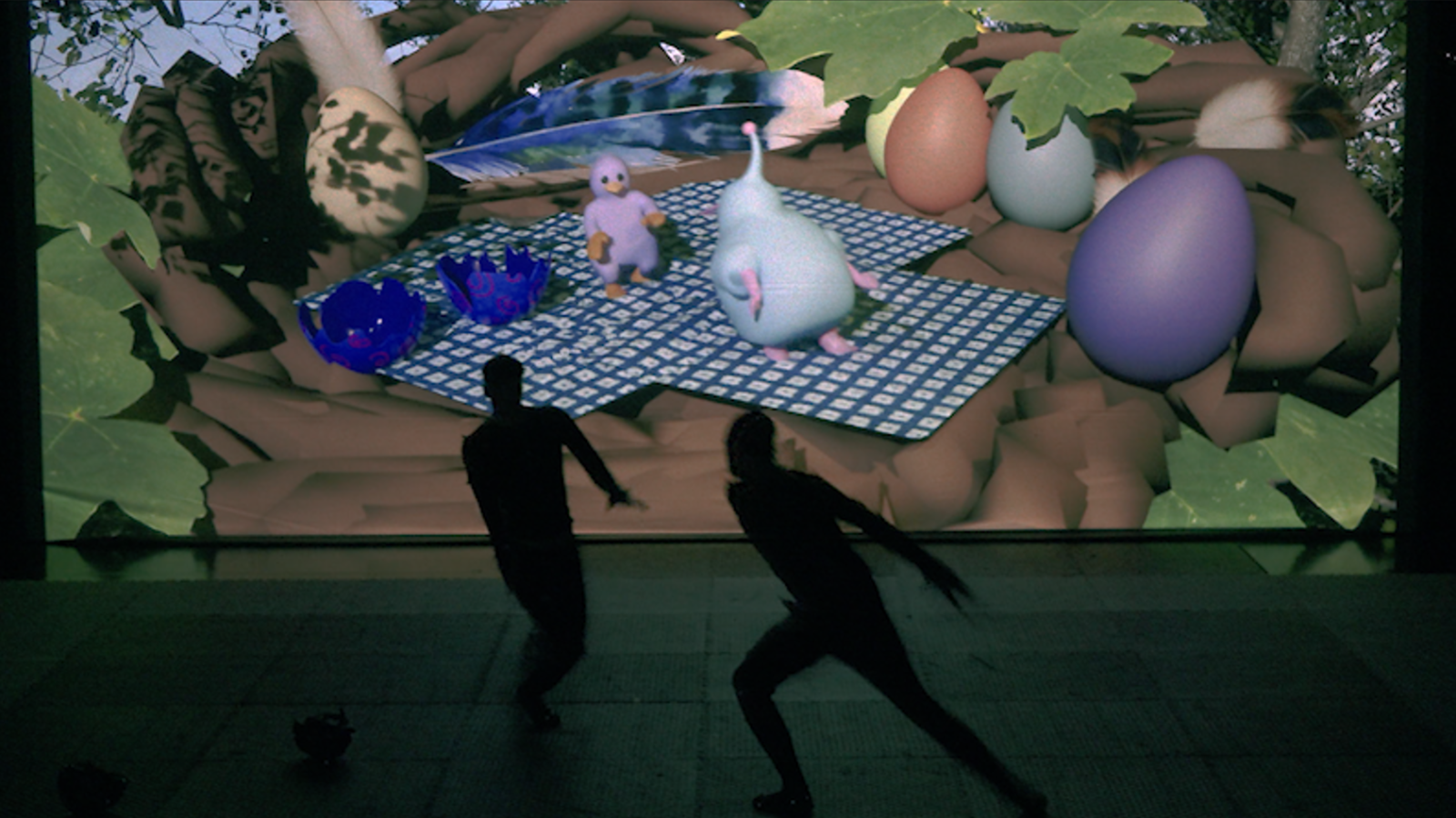
3D design students joining this project had the opportunity to collaborate in a group with actors, create and design virtual characters, create and design the virtual environments, virtual props, create and develop stories, explore motion capture and show their work in a live demonstration.
With this course design students learned how to communicate and design characters for live actors. To understand the creative and technical needs of performers. How to integrate MoCap data into their rigs and animations. How to optimize character topology for clean motion capture retargeting.
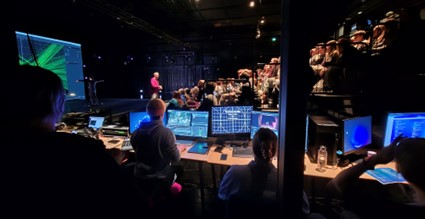
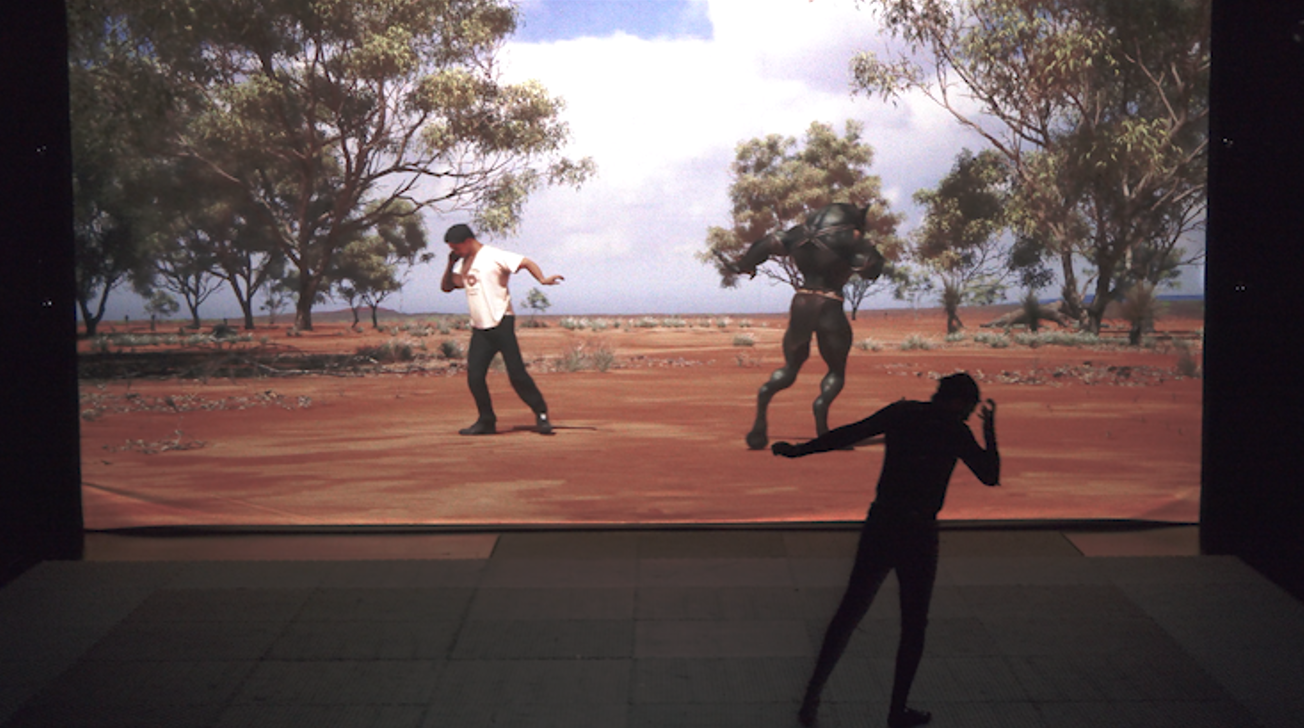
Actors got the opportunity to work closely with 3D visual designers and technicians. They developed their communication skills across disciplines and gained experience in creative collaboration, as it is in real-world production environments such us video games and animation films.
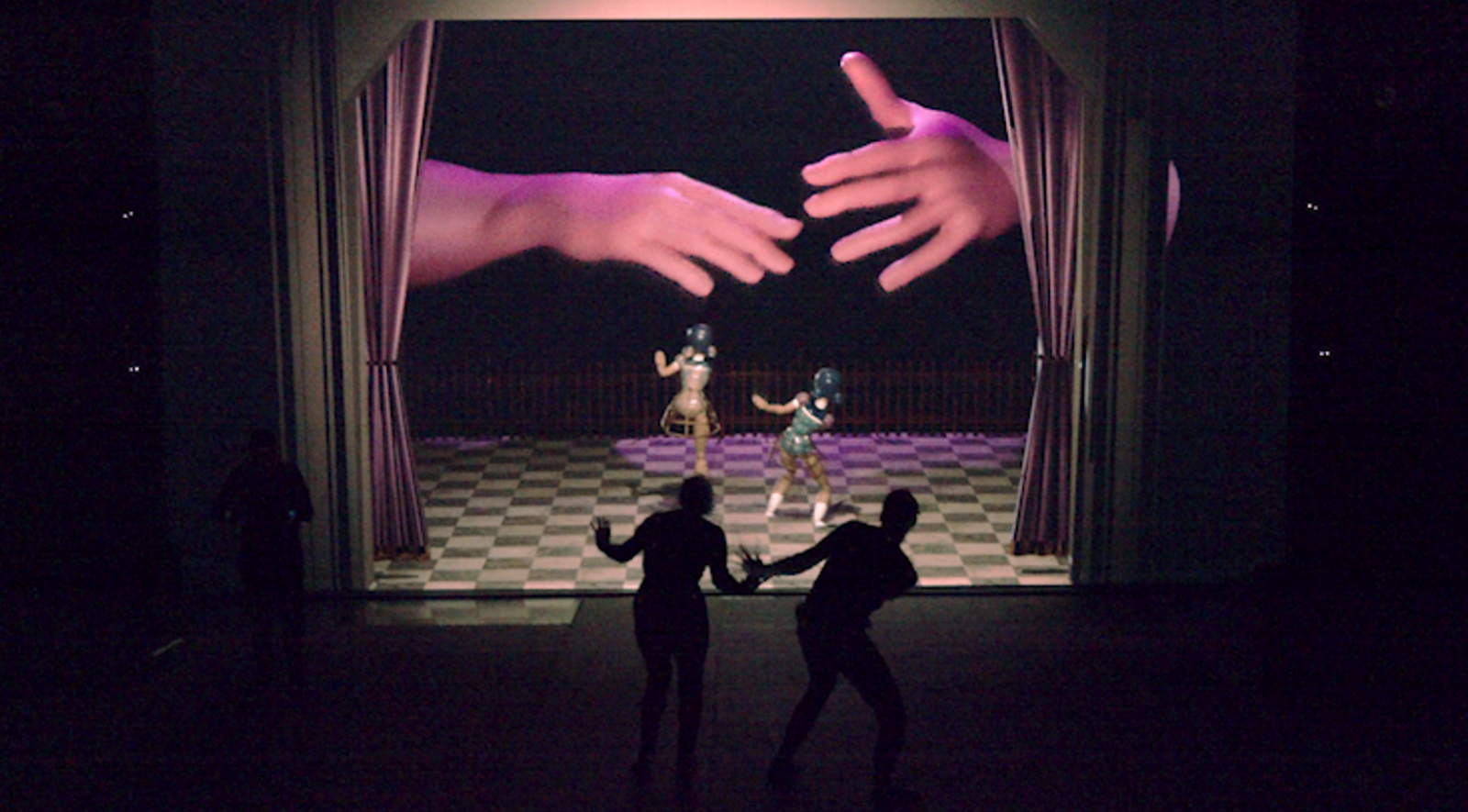
Equipment
MoCap equipment:
20x OptiTrack Prime 13 cameras
1x CW-500 calibration wand
1x OptiTrack Legacy L-frame calibration square
1x Laptop with Motive: Body 3.0 software
2x XL MoCap suits, MoCap Beanie, MoCap footwear
2x L MoCap suits, MoCap Beanie, MoCap footwear
2x M MoCap suits, MoCap Beanie, MoCap footwear
1x S MoCap suits, MoCap Beanie, MoCap footwear
111x 14mm X-base Marker
28x 15mm Soft markers with 45mm velcro base
26x Finger markers
2x Rigid Bodies Marker Set
4x CISCO SG300-10MP switches
Computer specs for Motive software:
Processor 11th Gen Intel(R)
Core (TM) i9-11900KF @ 3.50GHz
3504 MHz, 8 Cores
16 Logical Processors
Physical Memory (RAM) 32,0 GB
NVIDIA GeForce RTX 3090 GPU
Main computer for Unreal Engine:
Intel® Core™ i7-14700K (3.40GHZ)
Physical Memory (RAM) 96 GB
Nvidia GeForce RTX 4090 GPU
1Tb + 2Tb NVMe drives
Technical setup
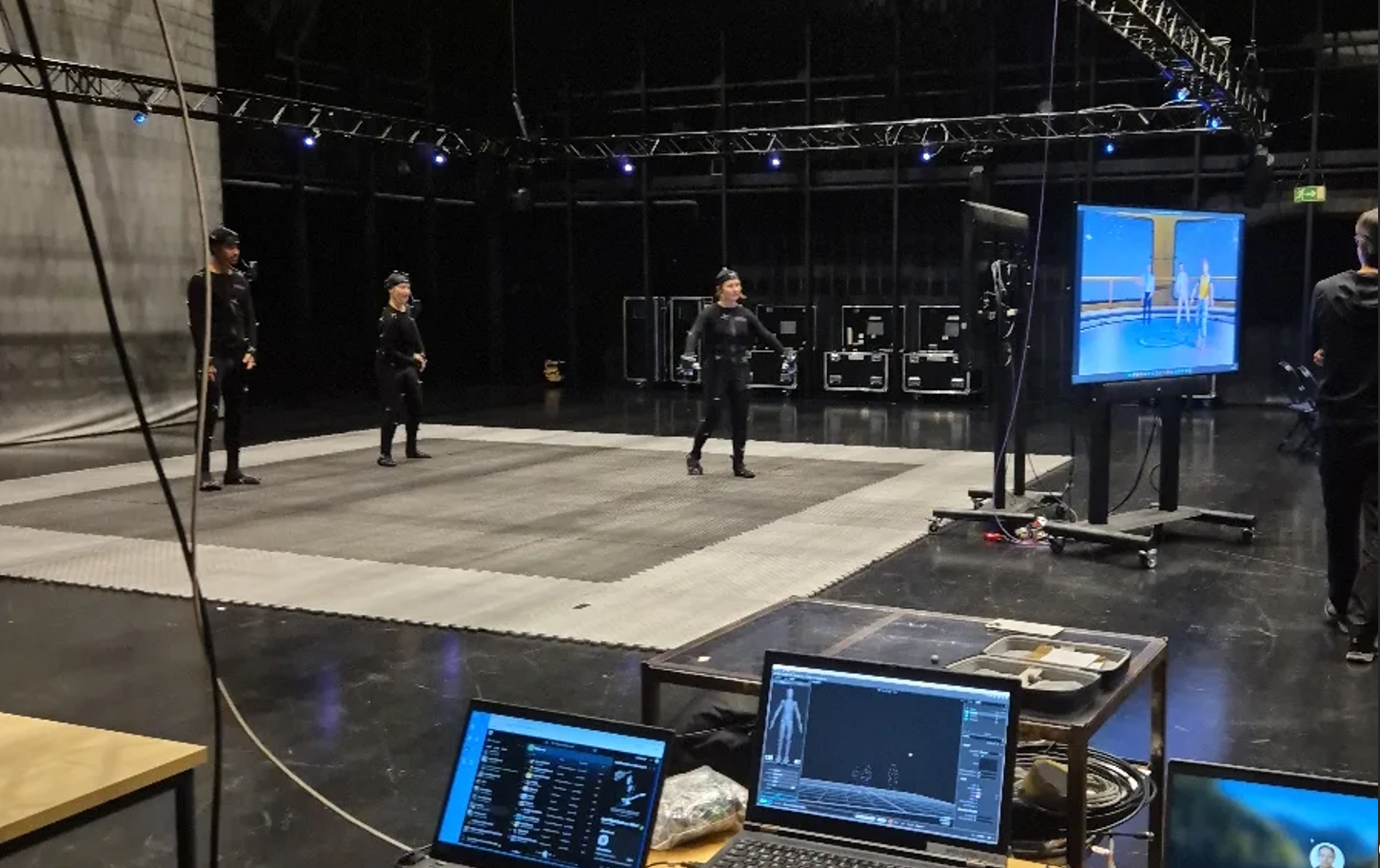
The location of the course was in Teatterimonttu. A black-box type stage with a capacity of 100 audience members. The stage area was 17×10 meters with a volume of 7×7 meters. The floor was covered with black tatamis to avoid reflections to the OptiTrack cameras. Behind the stage area, an 8×6 meter screen was set up to project the Unreal Engine rendering of the virtual environments and characters with two stacked projectors.
The OptiTrack cameras were connected to three CISCO SG300-10MP switches and one more CISCO SG300-10MP switched was used to connect the Motive laptop and Unreal Engine computers. This setup allowed all the Unreal Engine computers to receive the streamed data from Motive.
The Metaglove dongle was connected to the Motive laptop to centralize all the motion capture data into one computer and then stream it to all the Unreal Engine computers.
One Netgear AC1200 Smart Wi-Fi Router was used to connect to the iPhone using Live Link Face App to the main Unreal Engine Computer, since it was the only computer running a scene where face capture was needed for the course.
An Extron DXP HD 4K was used as the main video hub. This Extron matrix was chosen to minimize the latency that a video mixer could incorporate to the video flow from the computers to the projectors. All the Unreal Engine full screen outputs were connected to the Extron matrix. Each of these feeds was routed back to a monitor. A secondary monitor per computer was connected directly to each computer to have the workspace of Unreal Engine.
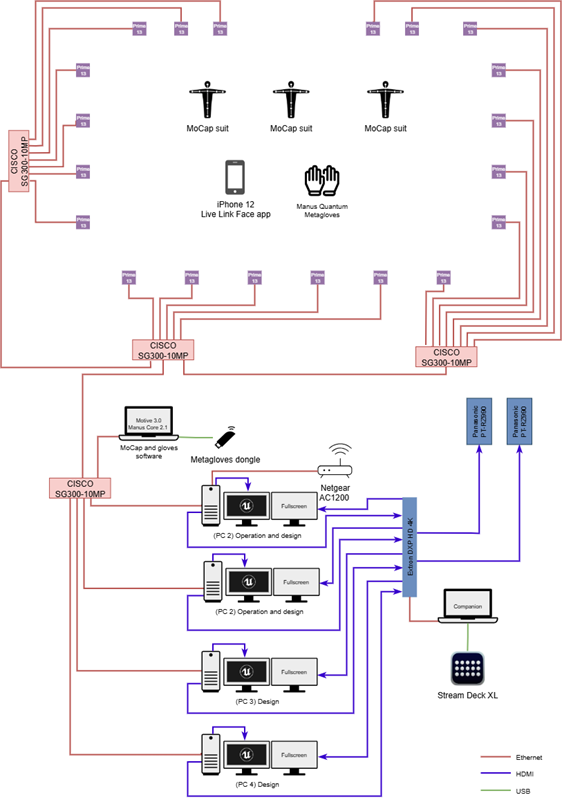
With this setup, each designer could be working on Unreal Engine while watching the full screen output. By having a laptop using Companion software with a Stream Deck connected to the Extron matrix, it was possible to easily switch the feeds going to the projectors to be seen on the screen. Although the Extron matrix does not have cut or dissolve transitions, this was not a concern since the priority was to have the least amount of latency between computers and projectors, which was only three frames of latency.
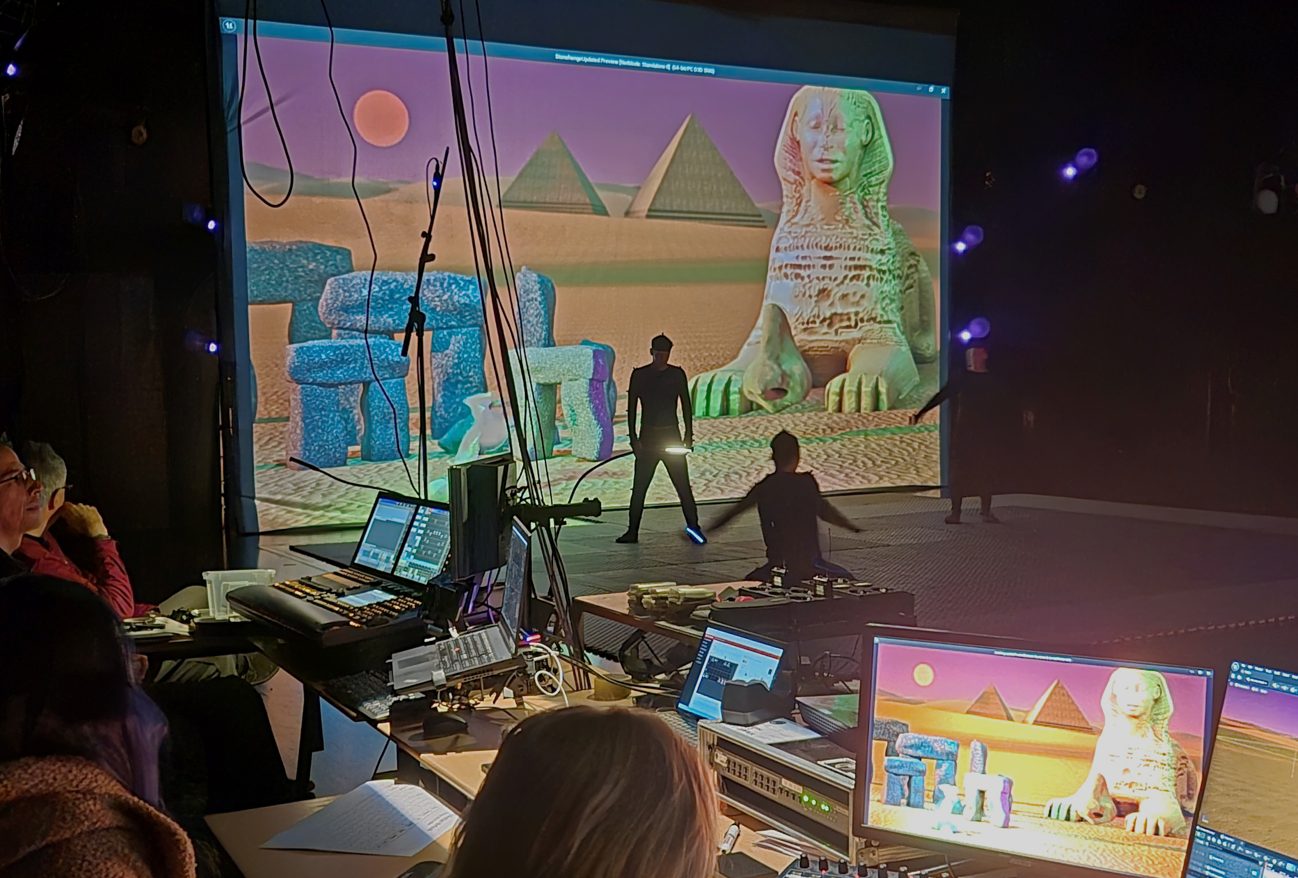
In total there were four computers running Unreal Engine. All computers were used for designing the 3D characters and environments and the two fastest computers were chosen to run the projects during the live demo with audience.
Conclusions
Performance capture projects between Näty and TAMK embody Tampere University’s strategic goals of interdisciplinary collaboration, digital renewal, and societal impact. Through multidisciplinary performance capture projects, Tampere University can promote research in performing arts, technology and digital media. It can enable studies focused on digital dramaturgy and human-computer interaction. Performance capture projects could be implemented in courses of different degree programmes building synergies between them.